Mobile • 8 min read
Prepare a phone for a day without mobile service
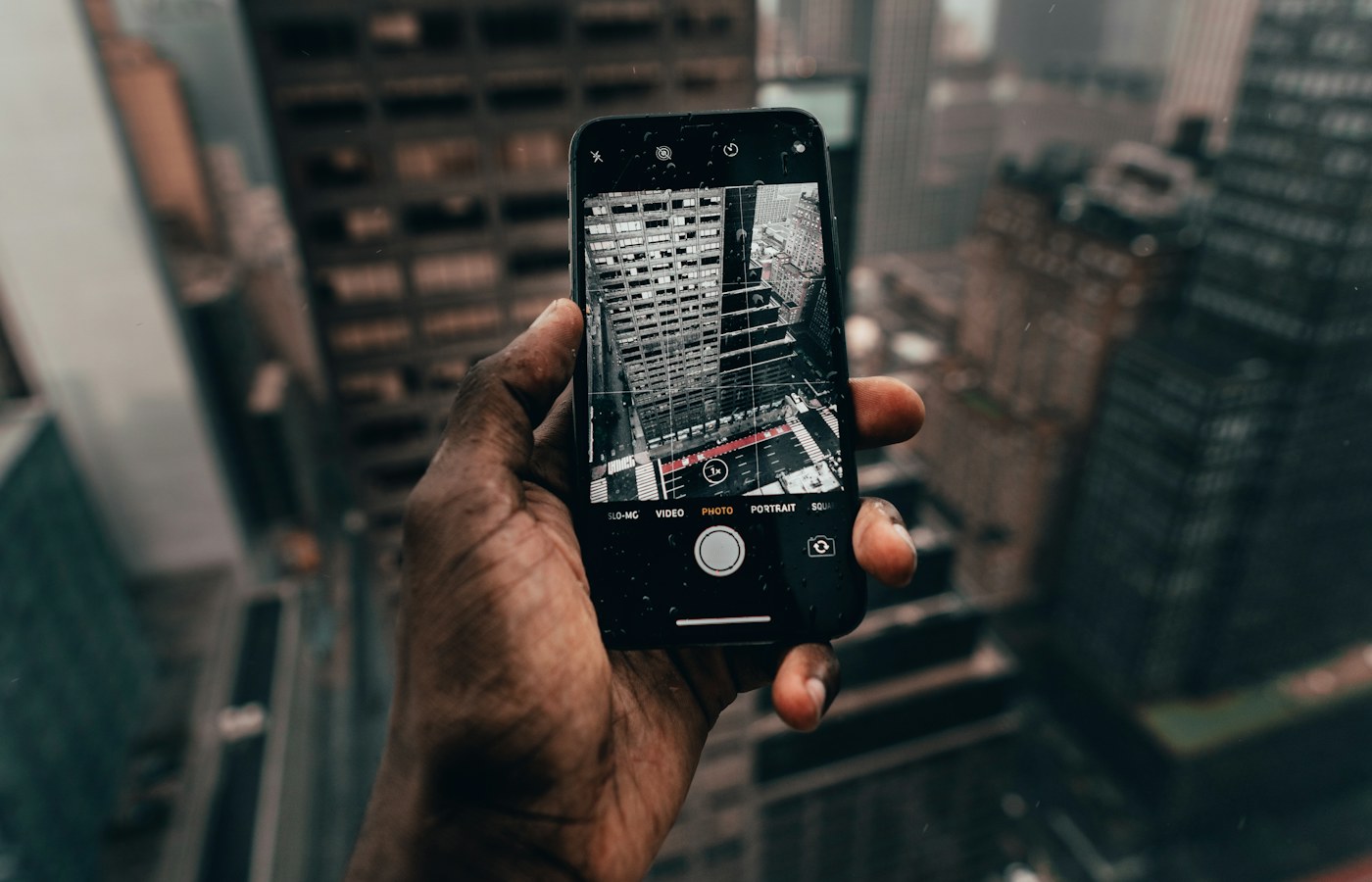
Maps, tickets, contact details, and a simple fallback can make a disconnected day manageable without filling the phone with unnecessary apps.
 The considered technology journal
Useful explanations, manageable projects and a clearer way forward.
Maps, tickets, contact details, and a simple fallback can make a disconnected day manageable without filling the phone with unnecessary apps.
A shared screen needs clear boundaries for purchases, messages, photos, and handover. Start with what the operating system actually supports.
Readable pages, sensible filenames, and a checked export matter more than an impressive scanning animation.
Give recordings clear identities, review them on a small schedule, and preserve important audio outside the capture app.
Separate disposable downloads from irreplaceable files, make recoverable copies and change one storage category at a time.
Use a few familiar screens to balance readable text, useful context and controls you can reach without guesswork.
A thumbnail, a local original and a cloud library item can look identical. Understand the storage relationship before making space or changing devices.
Prepare translated addresses, short requests, and directions that remain useful beyond the reach of mobile data.
Arrange controls, typing, and everyday tasks around a stable grip instead of a longer thumb stretch.
Separate pauses, connection dropouts, and changing audio routes before you start resetting paired devices.
Sort interruptions by urgency, context and consequence, then test a smaller notification set during an ordinary week.